How Hola-day works
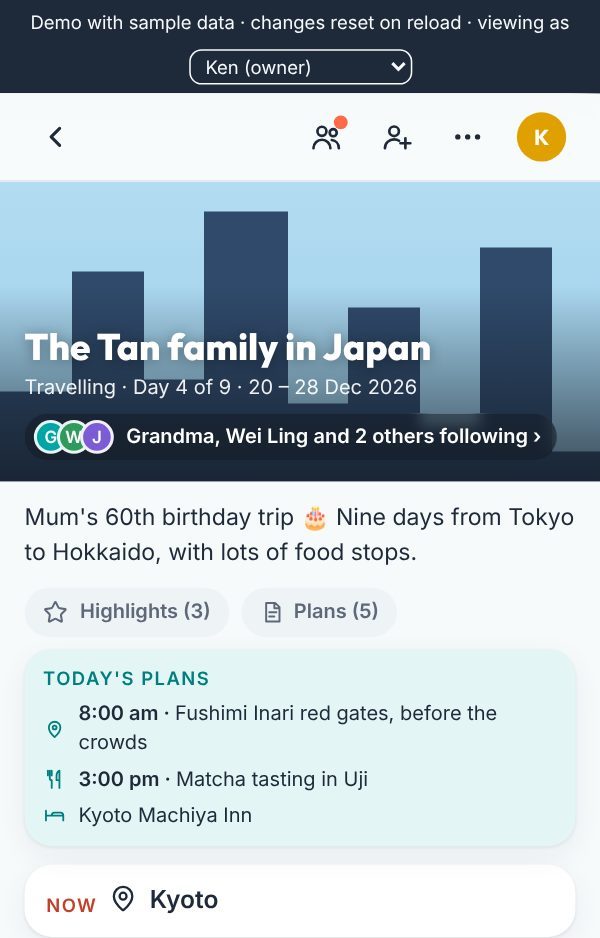
A private trip page. The people on the trip post photos as it happens, and family at home follow along. It's a private link: you see everyone who joins.
What you keep at the end: the whole trip as a diary, and a short video with music. Free.Sample diarySample video
Pick the one that's you:
Planning the trip
You're the Hola host. You set it up and decide who's in.
- Start a Hola-day. Choose a trip or an event, give it a name and the first day. The last day is optional.
- Set it up. Comments and weather, and what travellers and followers can do: save photos, download the diary, see the plans. Change it any time.
- Add your plans (optional). Paste them from notes, a chat, an email or a spreadsheet and they're sorted into days. You choose when followers see them: on the day, ahead, or never.
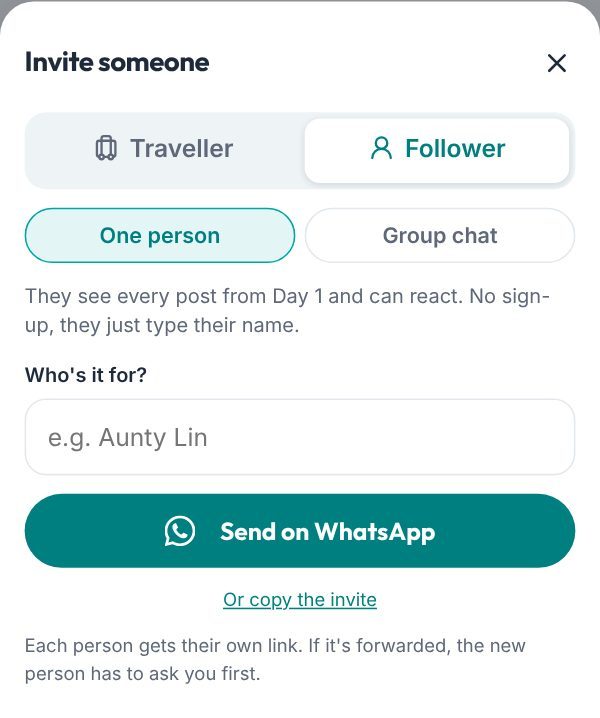
- Invite people. Pick Traveller (they post too) or Follower (they just follow), type their name, then send on WhatsApp. One link per person, or one link for a group chat (it works for 7 days). You see everyone who joins and can remove anyone.
- Keep it after. Download the whole trip as a diary that opens anywhere, and make a short trip video with music. Both free.
On the trip
You're a traveller. You share the moments as they happen.
- Open your link. Sign in with Google or an email code, once. (In mainland China, use the email code.)
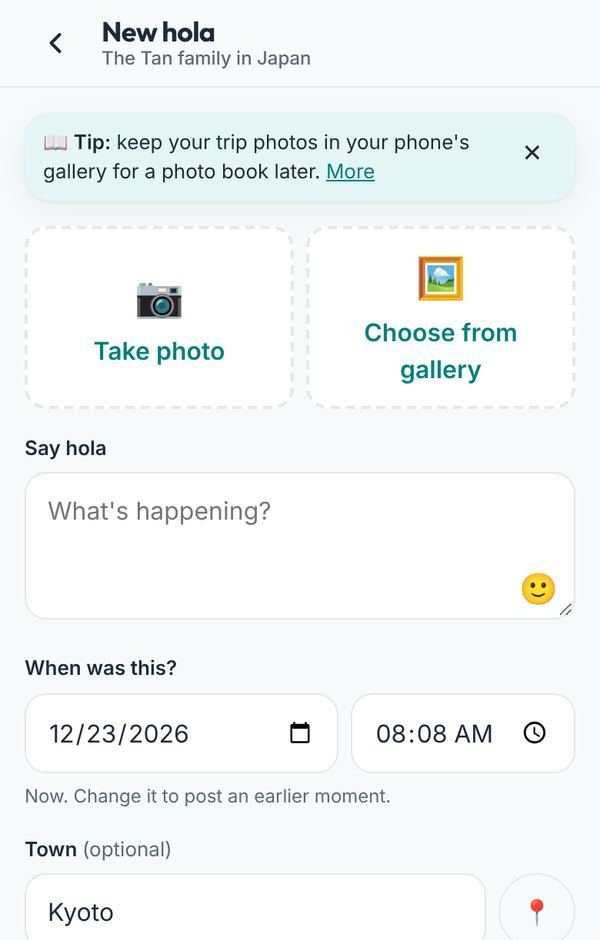
- Post a hola. Snap or pick up to 4 photos and add a line. Posting later? Set the time it happened, and it slots into the right place in the day.
- Town and weather. Both fill in by themselves if you like. The exact location is never shown, and photo GPS is removed.
- How was the day?. Add a few words under any day, like a diary.
- Highlight the best ones. Tap the star (Highlight) on favourites. They make the best trip video.
Following from home
You're a follower. Nothing to install, no sign-up.
- Tap your link. Type your name and you're in. You'll see everything from Day 1.
- Jump between days. Tap a day card, or the day buttons at the top as you scroll.
- See what's planned. If the host shares them, each day's plans show on that day.
- React. Send a ❤️ or 😂. If the host allows it, leave a comment too.
- Keep it handy. Add Hola-day to your home screen so the trip is one tap away.
More questions? See the FAQ, our privacy policy, or email hello@hola-day.com.